
Custom roles, and fields only some people can change
Besides administrator, editor and author, your website can have roles of its own, such as a translator. For each field you decide who may change it.
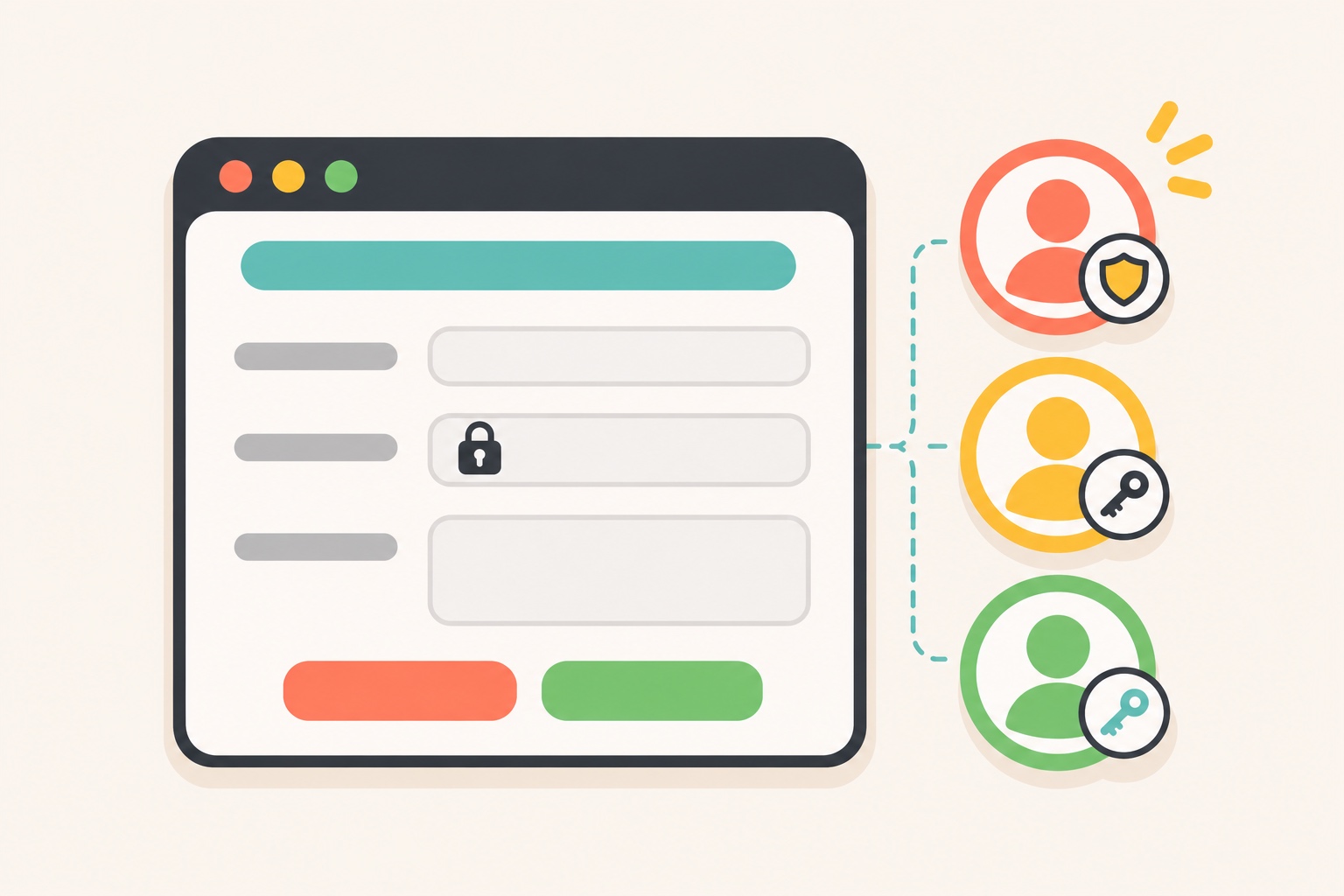
Your developer sets up roles to match who does what in your team. A translator might edit only articles and publish nothing. Someone who looks after the authors manages their profiles and has no access to the media library.
A field only some people can change has a grey background and a lock. Below it, the admin area says who can change it, so you know whom to ask.
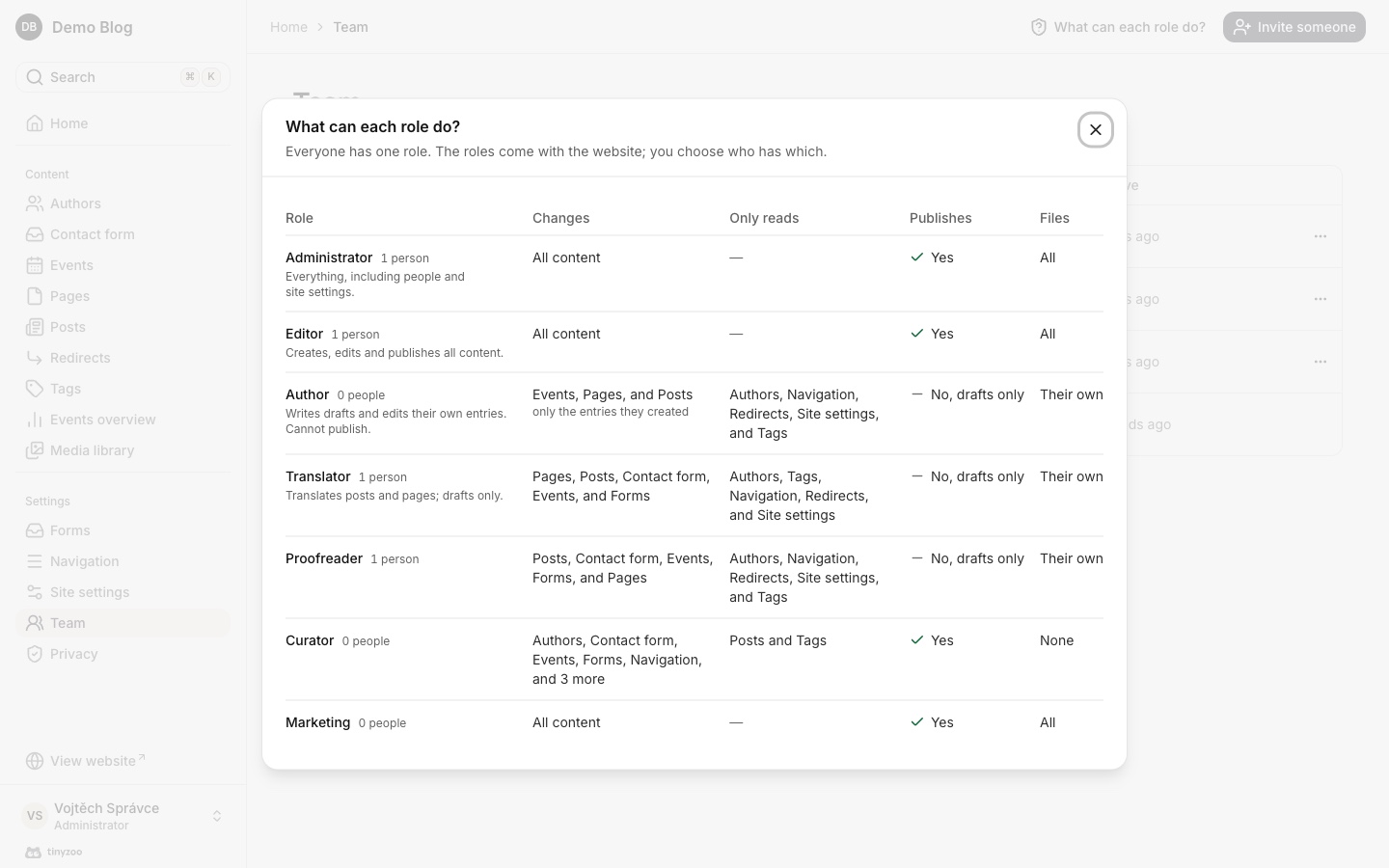
You will find the overview in Team:
And this is the invitation, with one sentence about each role:
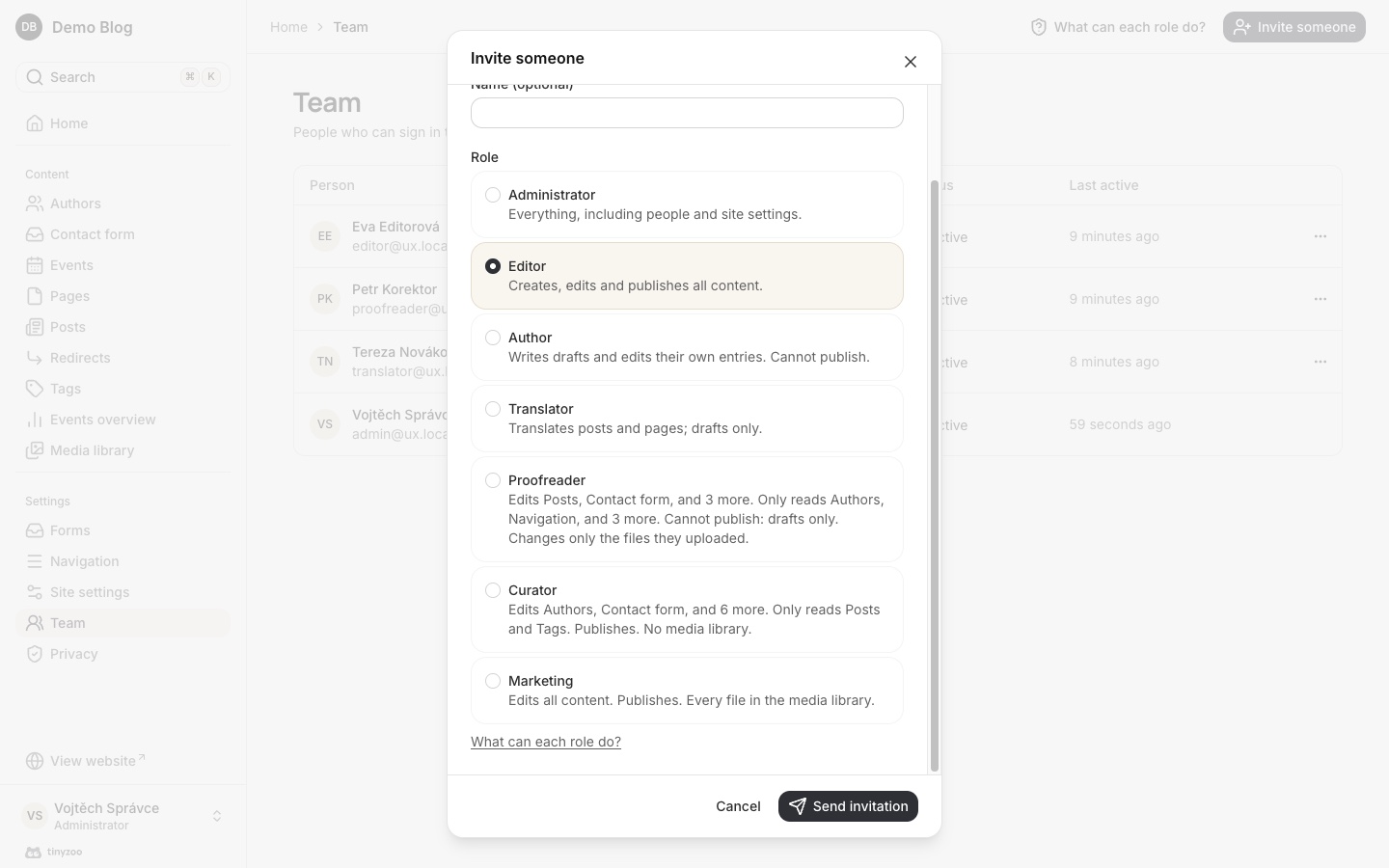
In Team you will find What can each role do?. When you invite someone or change their role, each role comes with one sentence about what it can do.
What each role can do, and what to do about a locked field, is in the Roles and permissions chapter of the editors’ guide.