
Changes during the pilot
What's new
New features and fixes. This is where you see what changes in tinyzoo. The newest changes are at the top.
- New
Preparing our first pilot
We are preparing a trial on our first client website. We want to see how people get on editing real content.

- New
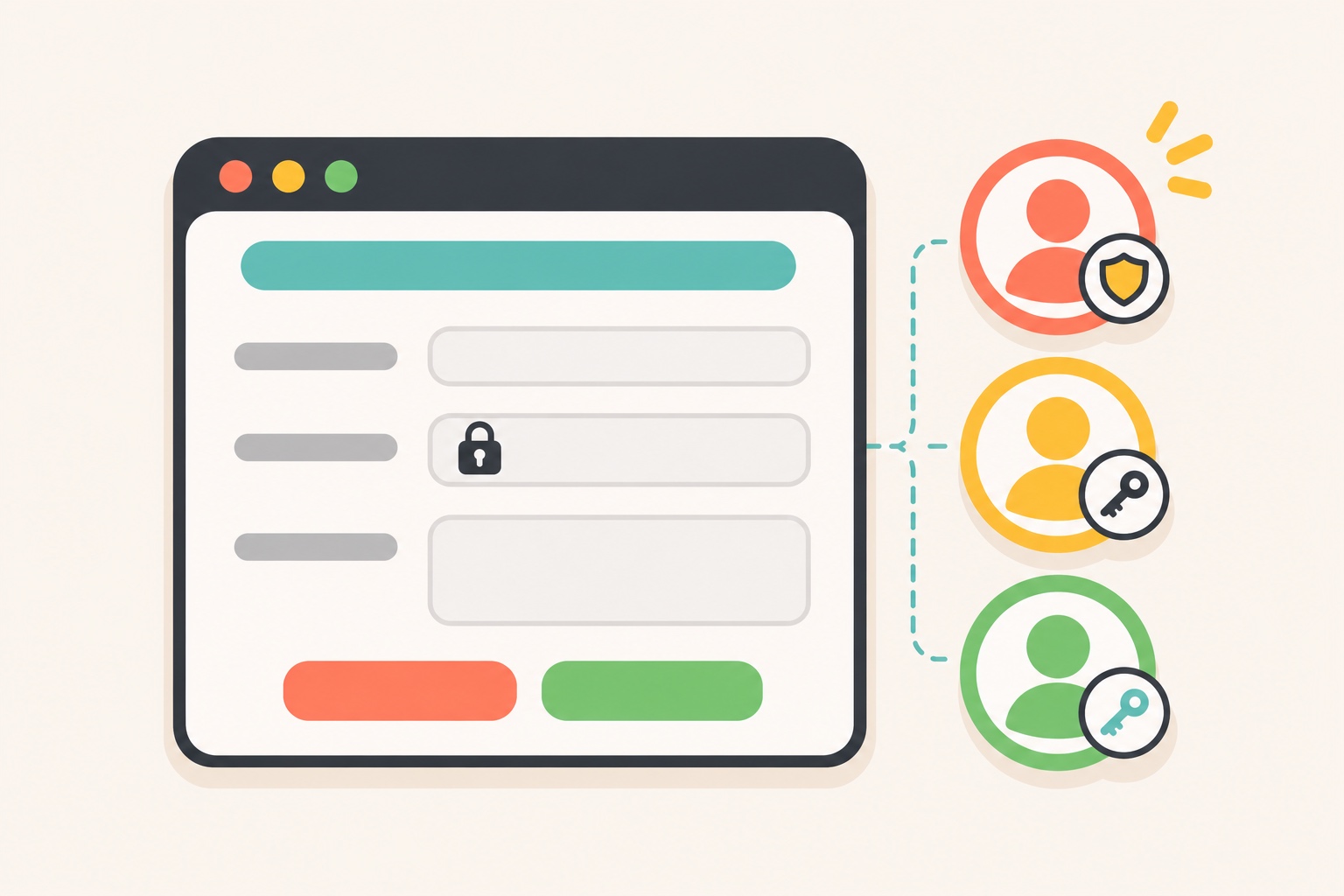
Custom roles, and fields only some people can change
Besides administrator, editor and author, your website can have roles of its own, such as a translator. For each field you decide who may change it.
- New
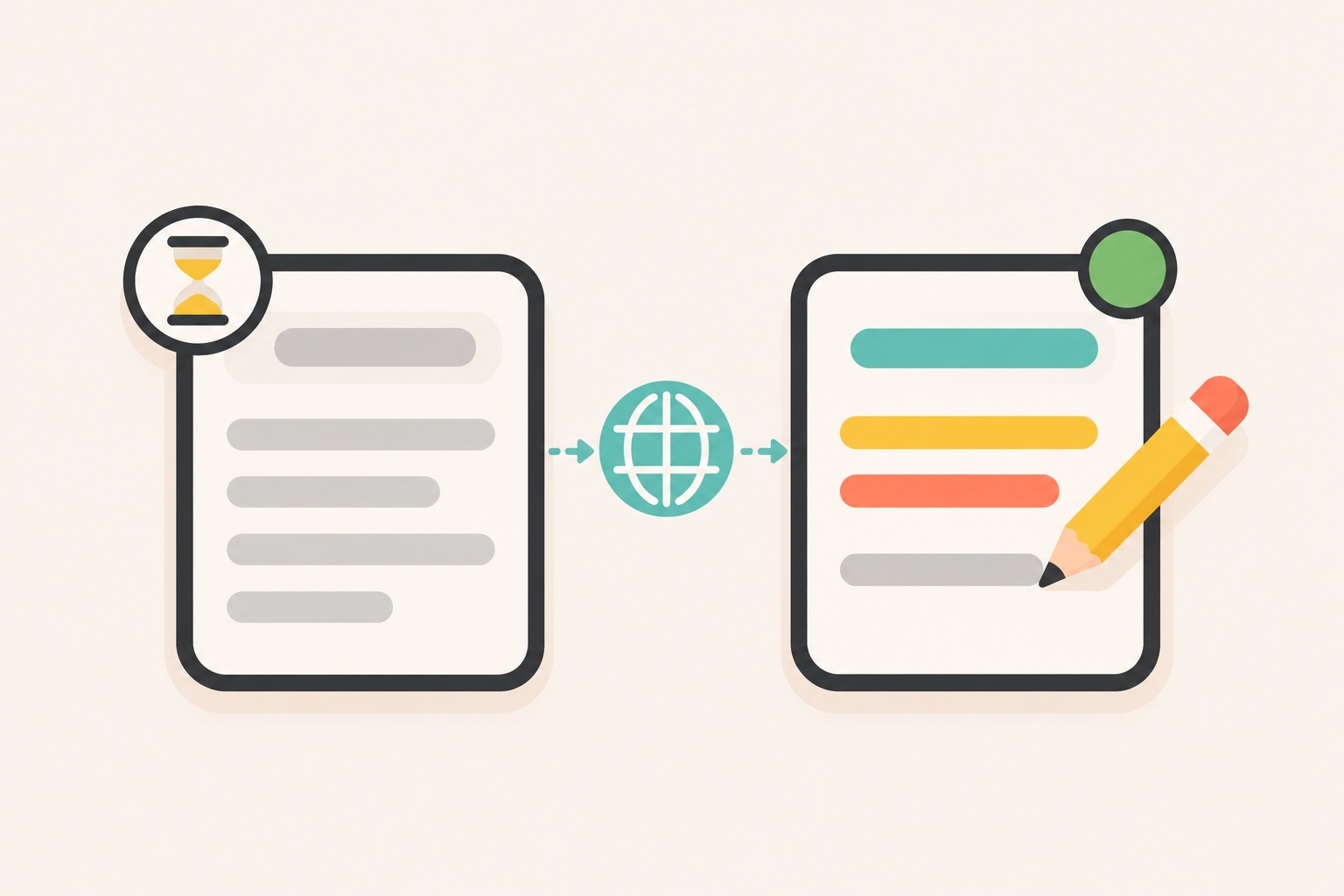
Each language is published on its own, with the original at hand
Finish the English version of an article at your own pace and publish it when it is ready. While you translate, the original text stays in view.
- New
A new website with one command: pnpm create tinyzoo
The command asks about languages, parts of the website and demo content. A few minutes later you have a website with its admin area, ready to run.

- New
Search on your website and in the admin area
Visitors find your content by any word in it. In the admin area, press ⌘K to find any entry.
- New
Cards and questions on one page
You can now build a page with cards or questions and answers. Drag them into the order you need.

- New
Form messages in the admin area
Find new messages from your website in one place. An email lets you know whenever one arrives.

- New
Add a link by the page title
While writing, find the page you want to link to by its title. No need to copy its address.
- Fix
We fixed the issues found while testing the admin area
Before the pilot, we went through all the usual editing tasks in detail. We fixed every issue we found.

- New
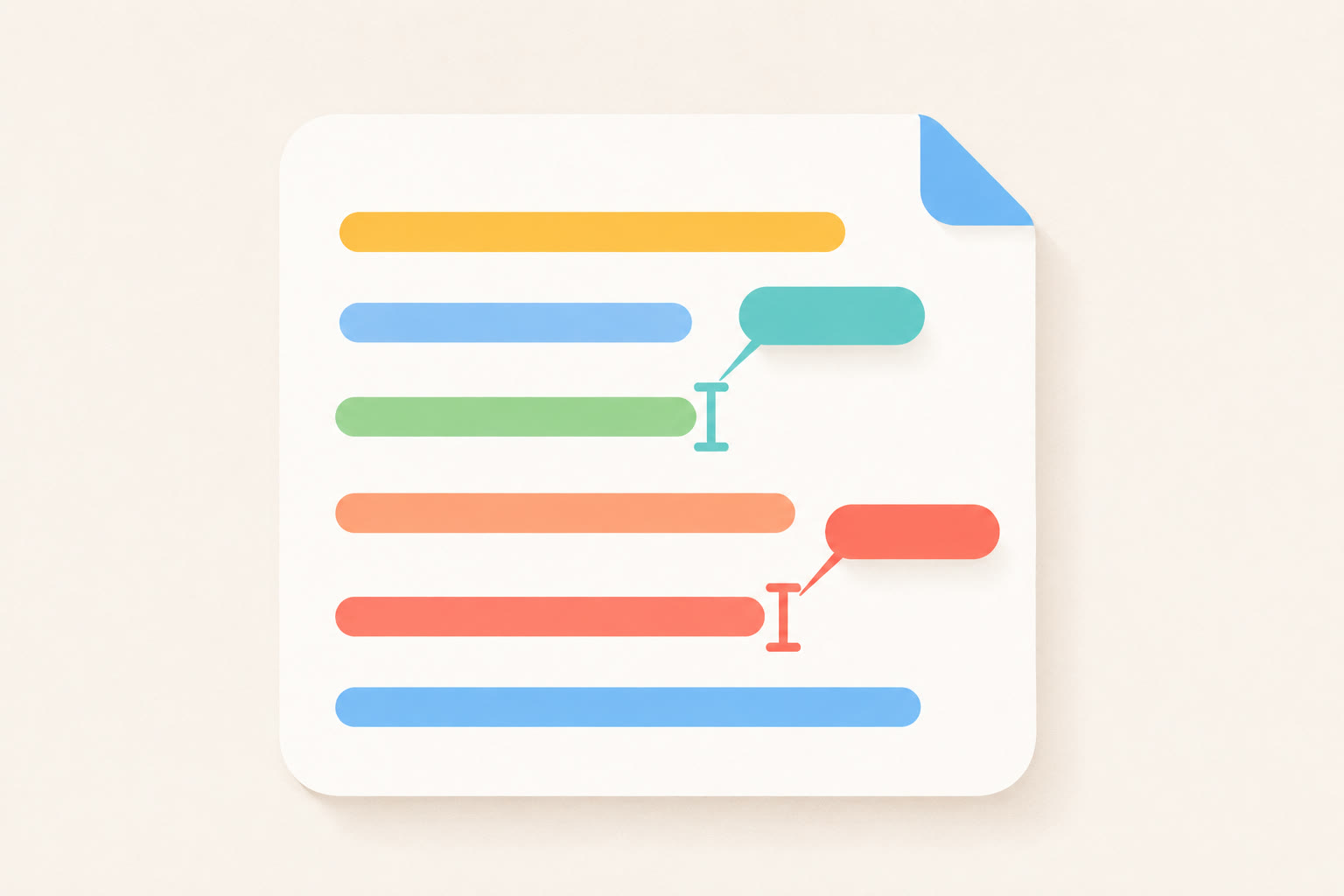
Write in the same article together
Write at the same time as a colleague. You can both see where the other person is typing.
- Improved
See a page preview as you edit
A live preview sits beside your editing area. You can switch it to a phone view too.

- New
Choose when to publish
Prepare a news post in advance. It will appear on your website at the time you choose.