
← Back to what's new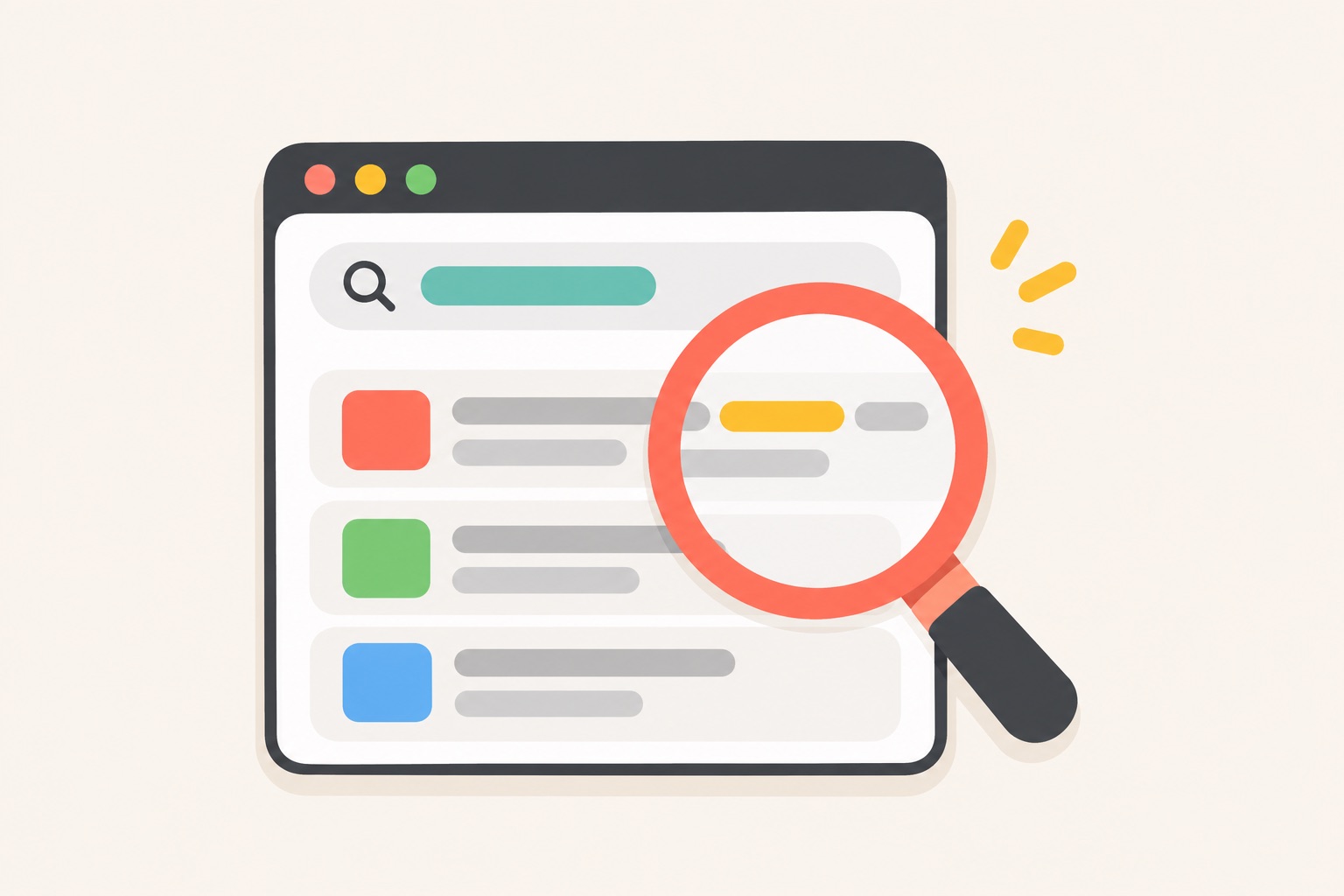
New
Search on your website and in the admin area
Visitors find your content by any word in it. In the admin area, press ⌘K to find any entry.
Search looks through headings, text and the content of blocks. Accents and capital letters do not matter, and it copes with typos: “preveiw” finds “preview”.
In the admin area, open search with the button in the sidebar or with ⌘K (Ctrl+K). It finds drafts and text in other languages too.