
Each language is published on its own, with the original at hand
Finish the English version of an article at your own pace and publish it when it is ready. While you translate, the original text stays in view.
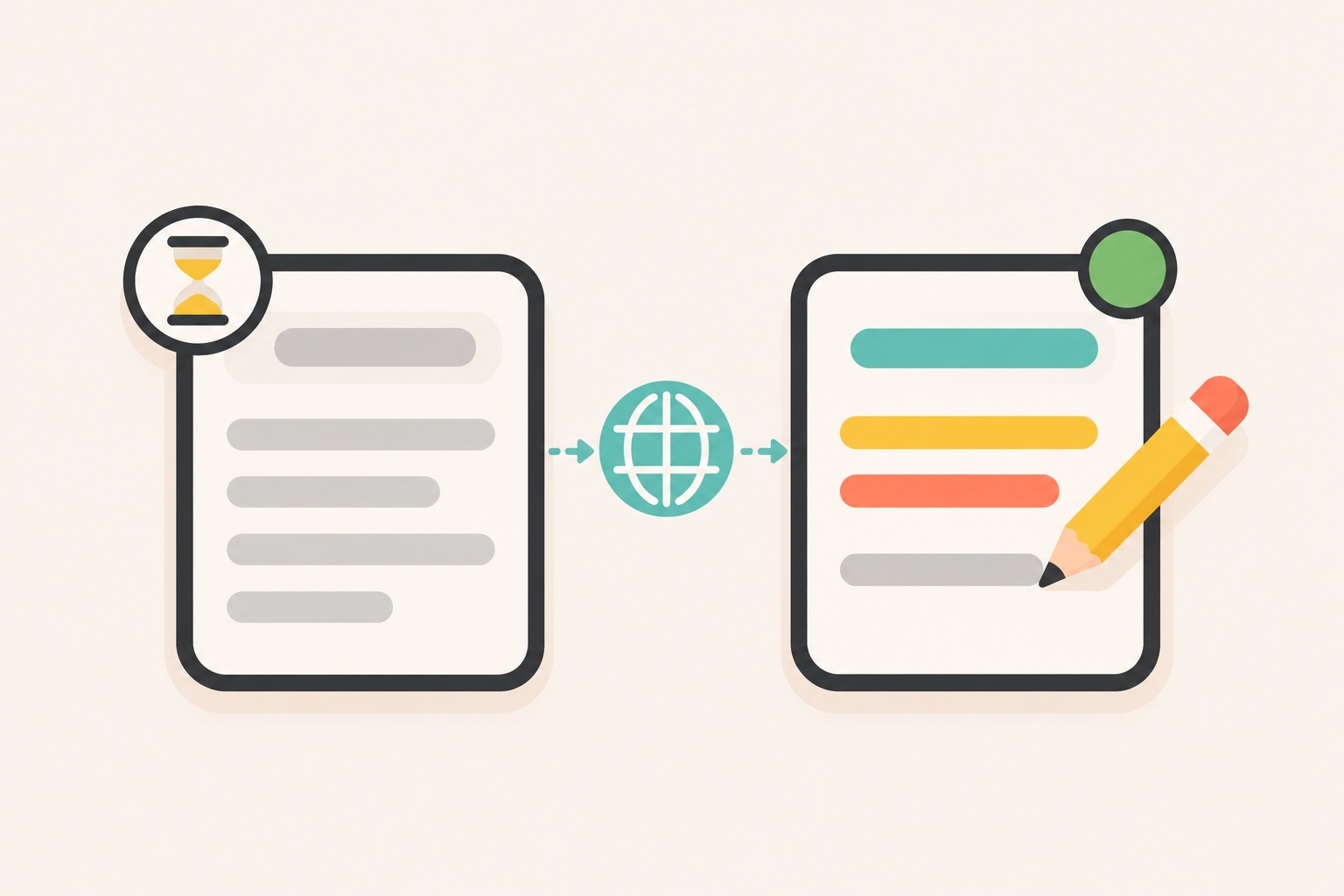
Each language has its own state: draft, scheduled or on the website. A translation goes live only together with the main language, so nothing from an unfinished original reaches your visitors. Your developer turns this on where it makes sense, for articles for example.
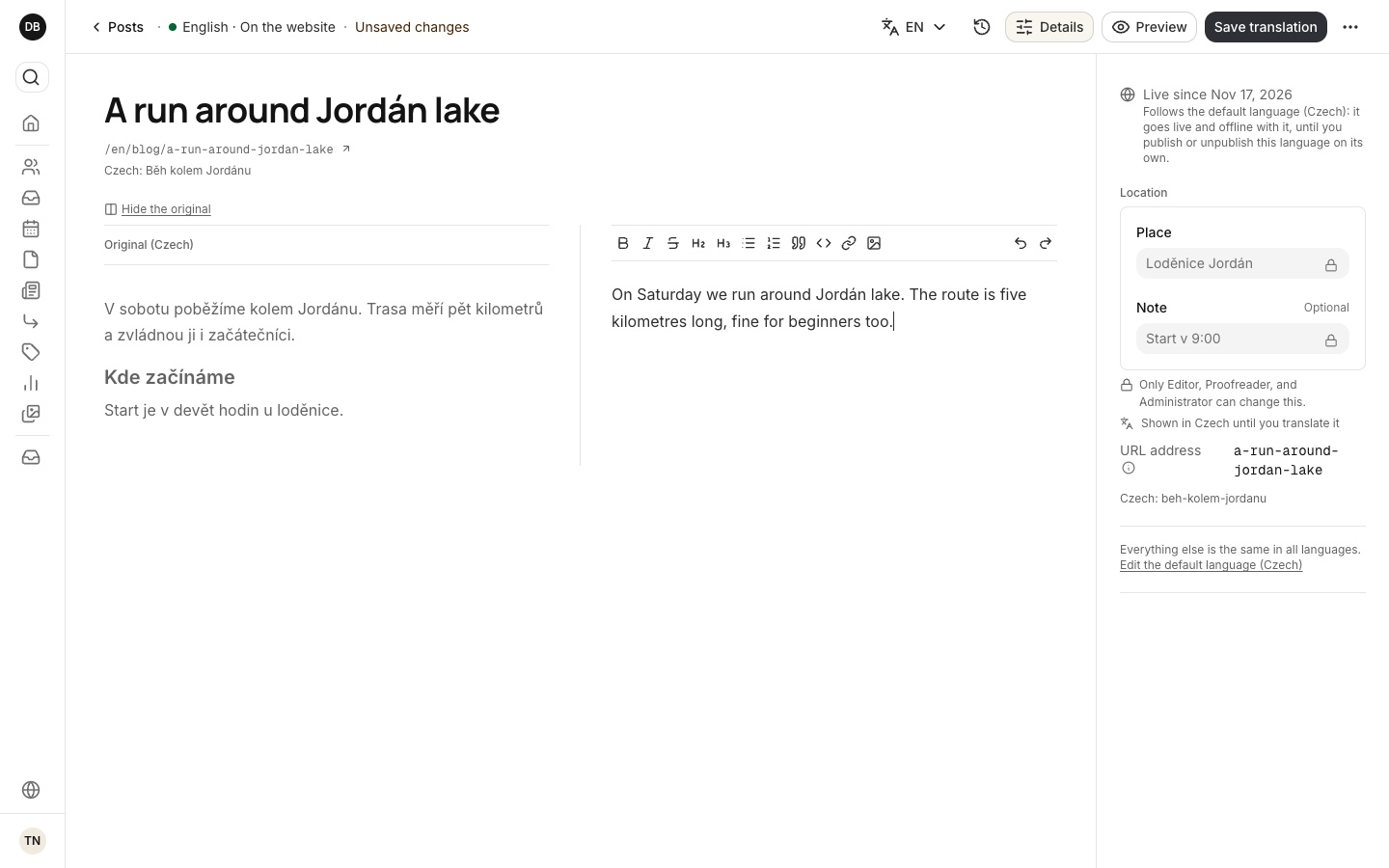
A field you have not translated yet shows the original text in grey. That is exactly what visitors would see until you translate it. Longer texts can sit beside the original, so you translate paragraph by paragraph.
This is how translating with the original beside it looks:
In the list of articles, a small mark shows the state of each language. On a phone, tap the language name at the top to switch.
How to translate and publish a language is in the Translations chapter of the editors’ guide.